Think Beyond A4: Creative Ways to Print Your Digital Papers - Printing Tips and Ideas blog Post
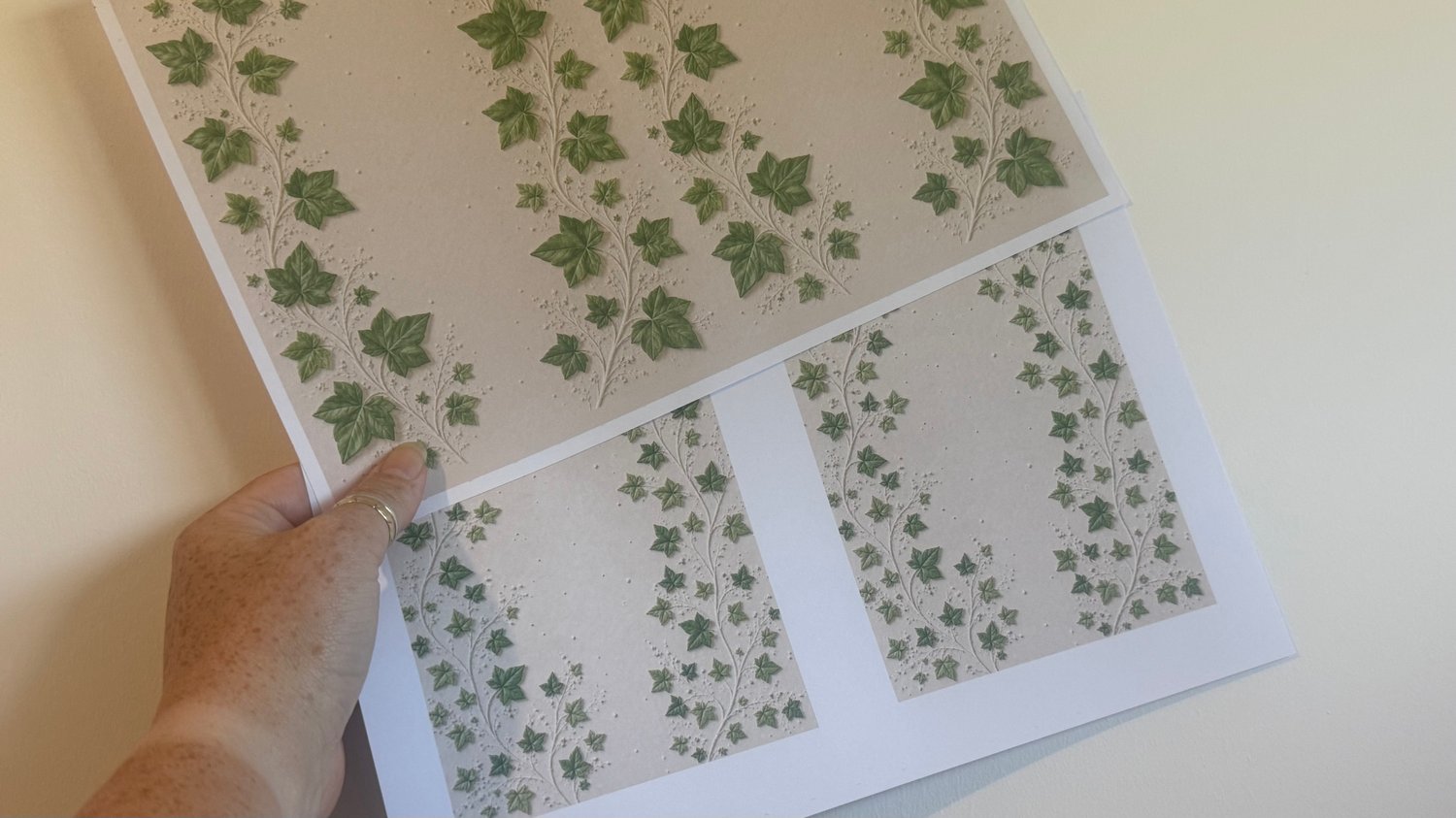
Getting More From Your Digital Papers – A Simple Printing Tip
One of the questions I get asked quite often is how to get more versatility from digital papers, so I thought I'd share a simple example using today's new releases from the Optical Illusions Paper Range – Amanda's Fab Foliage Collection.
As an Amazon Associate, I may earn a small commission from qualifying purchases made through my links.
For the photograph above, I printed one sheet of each of the new Ivy Leaves designs to show just how easy it is to create different sized backgrounds and mats simply by changing your printer settings.
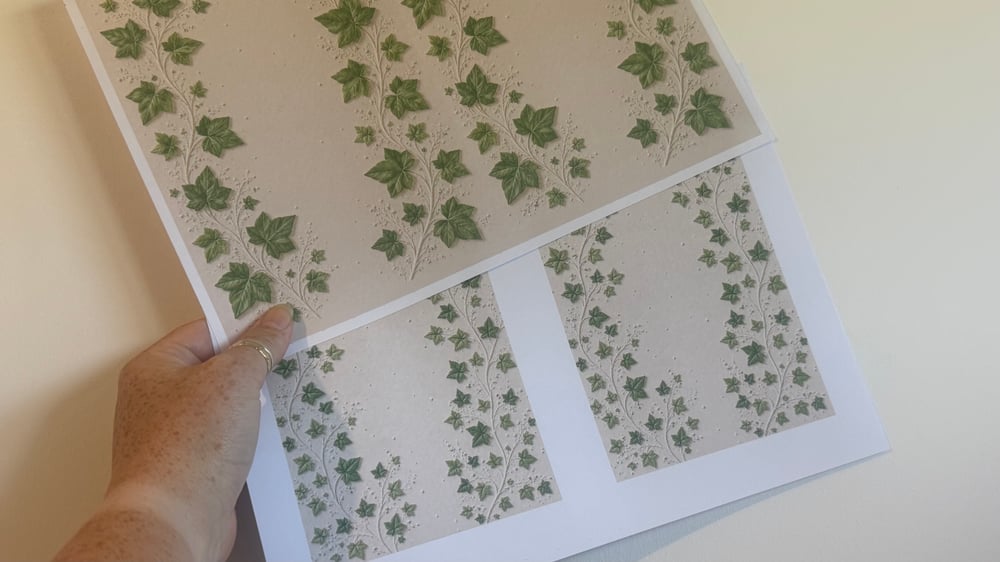
Top Sheet – Large Ivy Leaves
For the larger Ivy Leaves design, I selected "2 Pages Per Sheet" within my printer settings before printing.
This reduced the size of the design and printed two copies onto a single A4 sheet. I find this creates the perfect scale for backing papers on my A5 cards, whilst also giving me two backgrounds from just one print.
You can find this sheet on the website here: https://shop.obyd.co.uk/b/tJTLU
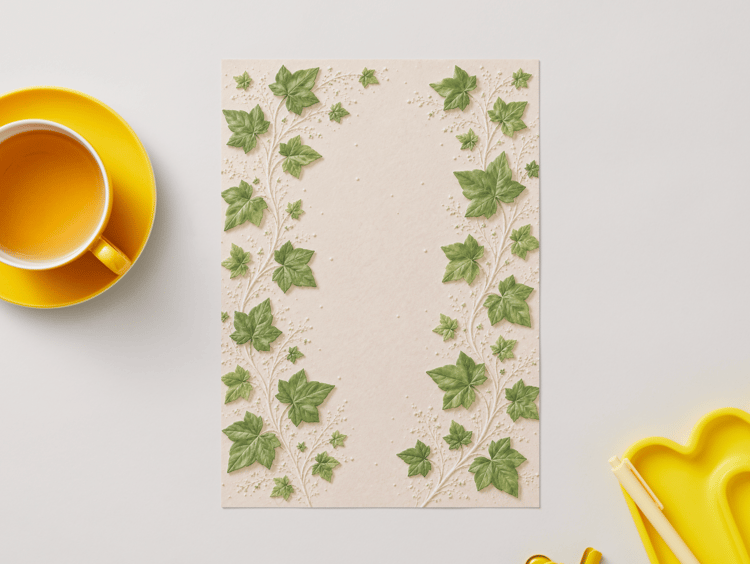
Bottom Sheet – Small Ivy Leaves
For the smaller Ivy Leaves design, I also selected "2 Pages Per Sheet", but I went one step further and adjusted the print scale to 50%.
This creates an even smaller version of the design, giving you another option for your cardmaking projects. It's a great way to create coordinating backgrounds, mats and layers without needing multiple designs.
You can find this sheet on the website here: https://shop.obyd.co.uk/b/87Y45
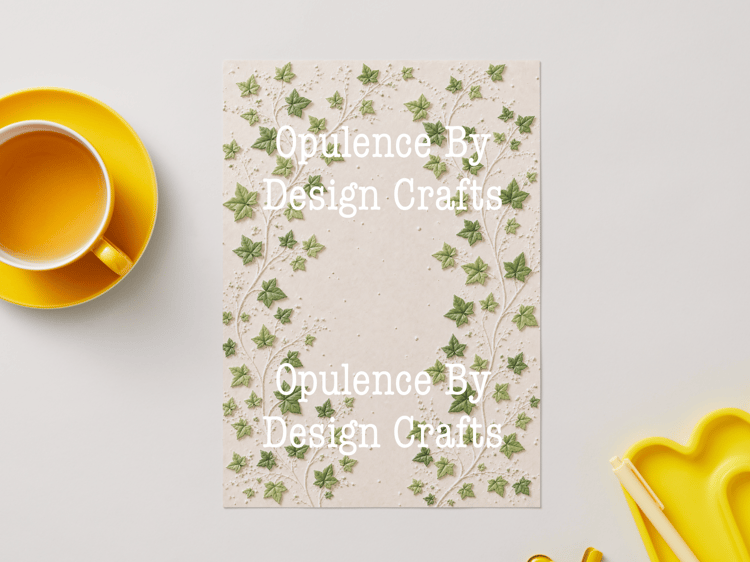
Did you know that we now have a growing collection of Faux Embossed Optical Illusions Printable Papers available on the website? These unique digital papers are specially designed to create the illusion of texture and embossing when printed, adding depth and interest to your cardmaking and papercraft projects without the need for embossing folders or specialist equipment. With a variety of themes and designs to choose from, there's something for every crafting style.
You can browse the full collection here
You Don't Have to Print Everything at A4 Size
One of the biggest advantages of digital papers is that you're not limited to the original size.
Try experimenting with:
- 2 pages per sheet
- 4 pages per sheet
- Printing at 75%, 50% or even smaller
- Landscape and portrait orientations
- Different paper sizes if your printer supports them
A simple adjustment can completely change the look and feel of a design.
My Favourite Paper Choice
For these samples, I printed onto my favourite 160gsm Super Smooth Paper.
I love using this cardstock because it gives crisp, clean printing and beautiful colour reproduction whilst still being easy to cut and layer onto my cards.
Simple Instructions for Beginners
Most printers have slightly different menus, but the process is usually very similar:
On a Computer or Laptop
- Open your PDF.
- Select Print.
- Look for options such as:
- Pages Per Sheet
- Multiple Pages
- Scale
- Custom Scale
- Choose 2 Pages Per Sheet.
- If desired, reduce the scale percentage to make the design even smaller.
- Print a test page and see which size you prefer.
Printing From an iPad
Many crafters now use iPads, and there are a couple of simple ways to resize your papers:
Option 1 – Using Your Printer App
Most printer manufacturers have their own free app, such as:
- Epson Smart Panel
- Canon PRINT
- HP Smart
- Brother Mobile Connect
These apps often provide additional print settings including scaling and layout options that aren't always available through standard AirPrint.
Option 2 – Save and Resize
If your printer app allows it, look for options such as:
- Fit to Page
- Scale
- Layout
- Multiple Pages Per Sheet
Not all iPad printing methods offer these settings, so using your printer's dedicated app usually gives you the most control.
Don't Be Afraid to Experiment
Digital papers are incredibly versatile, and sometimes the most useful discoveries come from simply trying different settings.
A single design can provide backgrounds for large cards, small cards, tags, journal pages, toppers and mats and layers just by changing how you print it.
A little printer tip from me... if you look after your printer, it will look after you! 😊
Regular maintenance, such as running cleaning cycles and nozzle checks, can make a huge difference to the quality of your prints and help keep your designs looking crisp and clear. It's also worth investing in good-quality paper, as what you get out of your printer is very much influenced by what you put into it. Even the most beautiful digital designs will look their best when printed on quality cardstock or paper that suits your project.
If you'd like to take a look at all of my favourite printing supplies, I've put them together in the "Everything Printing" section of my Amazon Storefront. You'll find the papers, cardstock and vellums that I use most often, along with details of the laser printer I use for foiling with my Minc machine and the printer brand I use for my everyday colour printing. It's a handy place to find the products that help me achieve the results you see in my projects. You can browse the full collection here: https://amzn.to/44fPMSC
I'd love to see how you use today's Ivy Leaves papers, so if you create something using these designs, please do share your makes with us.
As an Amazon Associate, I may earn a small commission from qualifying purchases made through my links. This comes at no extra cost to you at all, and it truly helps support my blog, tutorials, and future crafty content — so thank you so much for supporting what I do and helping me continue to create and share my crafty journey with you all
You can find my UK Amazon Storefront here: https://www.amazon.co.uk/shop/opulencebydesignca
Here you can browse all of my top picks for papers, card, adhesives and of course my favourite ribbons and flower packs especially for shabby chic style creations.
I hope you have enjoyed today’s card and maybe even had a little peek at my Amazon storefront while you were here. I always try to share products, crafty finds, and useful bits and pieces that I think you will enjoy and find helpful for your own creative projects.
Happy crafting,
Amanda ✂️
Shop & More Inspiration
You can find all of my downloads here:
(The shop is listed in date order with the newest items at the top, and there are categories for toppers, backing papers, tea bag tiles, bunting kits, foiling downloads, digi stamps and more.)
If you don’t have a printer, I also have a selection of Printed Cut and Craft Books/Kits available worldwide on Amazon:
For more tutorials and inspiration, visit my blog:
You can find my youtube channel here: https://www.youtube.com/@opulencebydesign
💬 Join the Community
- Dedicated Cardmaking & Papercrafting Group
- https://www.facebook.com/groups/672573406875861
- Hobbies, Home & Sharing Group (all crafts welcome!)
- https://www.facebook.com/groups/772476691713676
Comments
Post a Comment