
Venetian Masks Card blog post with re-sizing tips and supplies list and full samples showcase
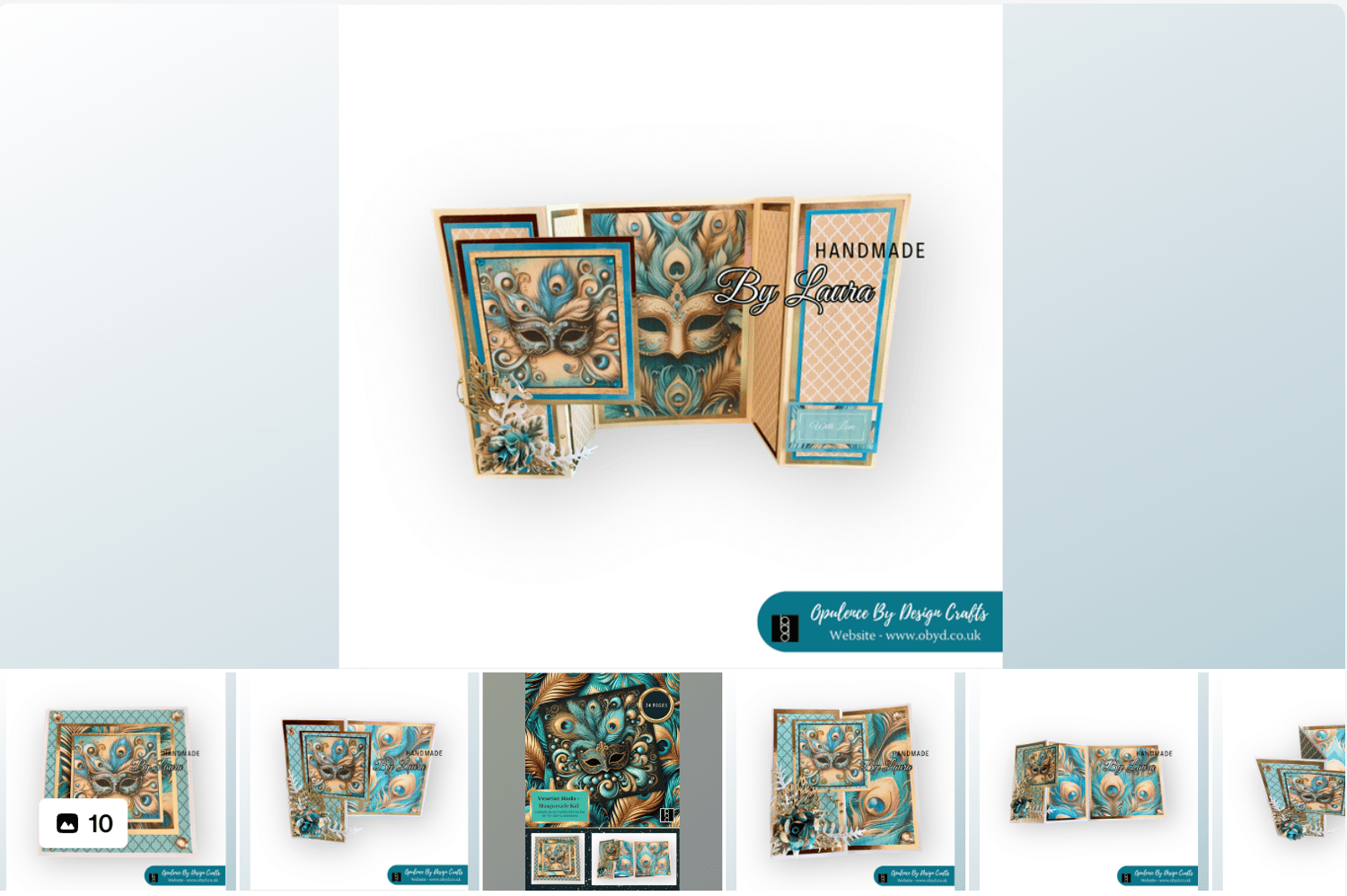
Happy Wednesday!
Sharing my New Venetian Masks kit
The Magic of the Night:
Stepping into the grand ballroom, the air is filled with an enchanting mix of mystery and elegance. Guests, adorned in exquisite masks, glide across the floor, their faces hidden behind intricate designs. The theme of the evening is a mesmerising blend of turquoise and gold, with peacock feathers adding a touch of regal splendour. Each mask, a work of art, reflects the vibrant hues of turquoise and shimmering gold, creating a dazzling display under the chandeliers. The peacock feathers, with their iridescent eyes, add an exotic flair, making each guest look like a character from a fantastical tale. As the music swells, the masked revellers lose themselves in the magic of the night, where every glance and gesture is a secret waiting to be unveiled.
* Disclaimer
The links to Digital Downloads are my own digital download products from my website -https://www.obyd.co.uk/
** Also as an Amazon Associate i may receive a small referral commission should you buy something through my UK Amazon affiliate links
The Venetian Masks Kit can be found on the website here: https://shop.obyd.co.uk/b/mOtlc
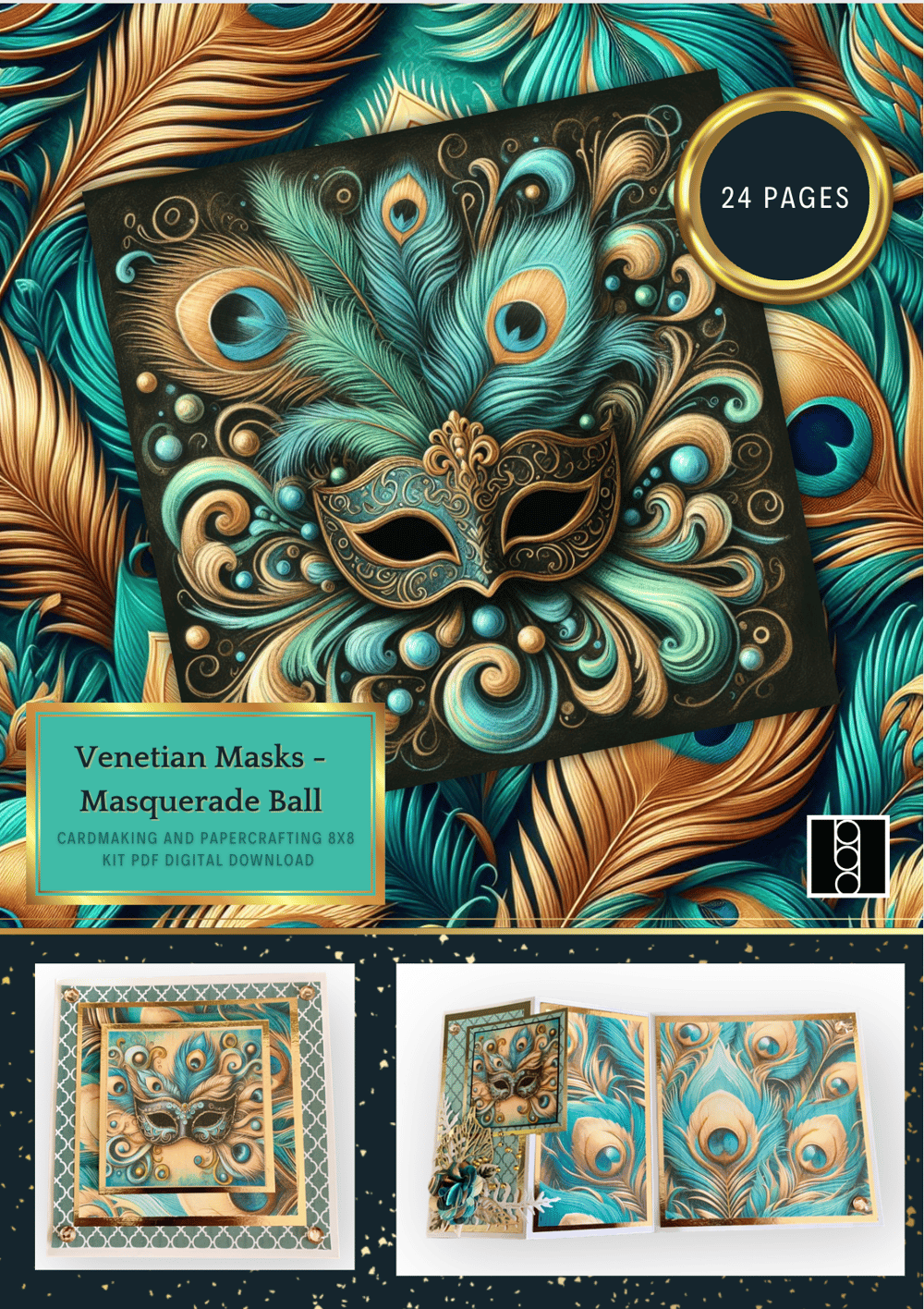
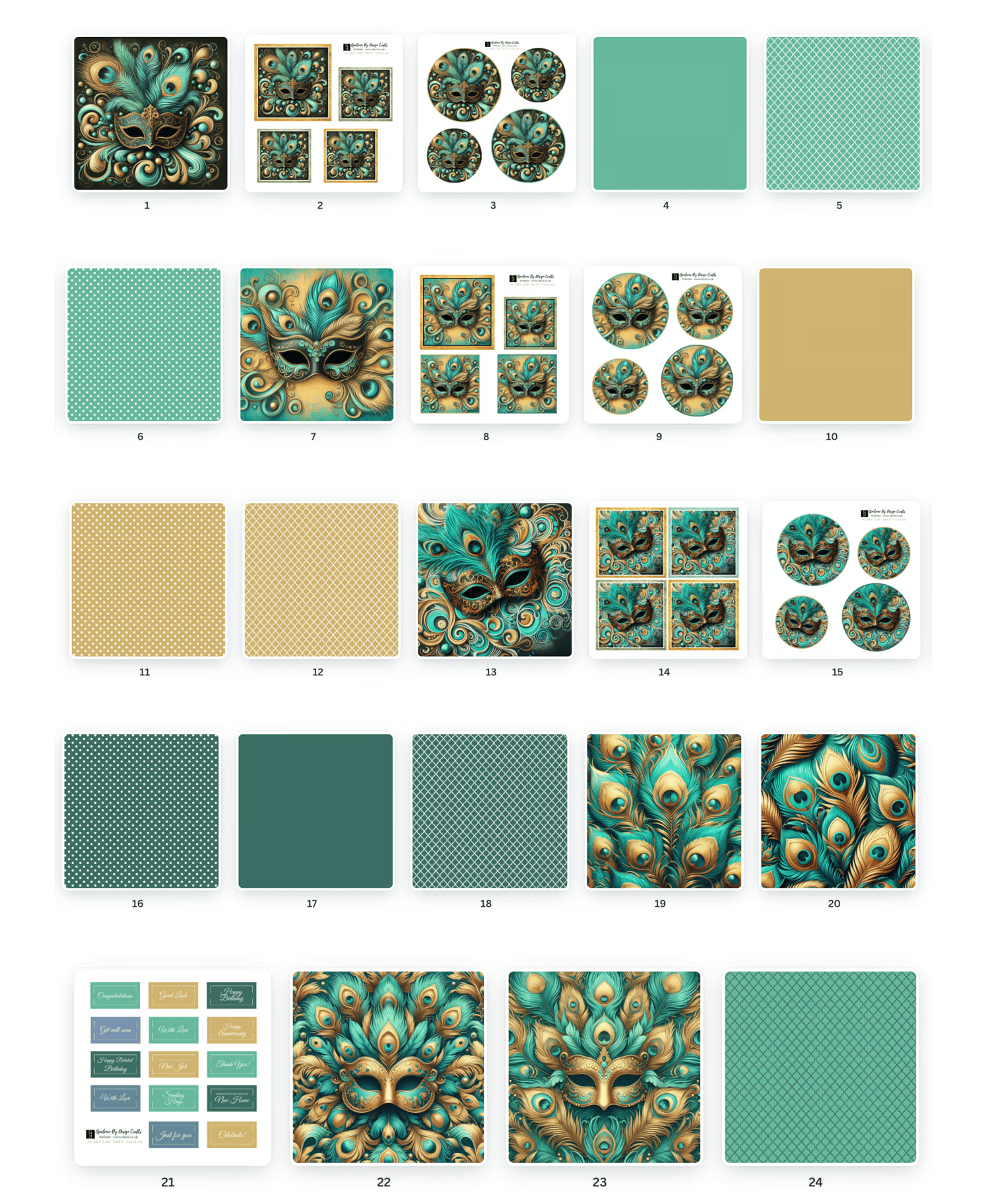
It contains 24 beautiful pages - perfect for cardmaking, box making and decorating, gift wrapping, scrapbooking, album crafts, decoupage, collage and so much more
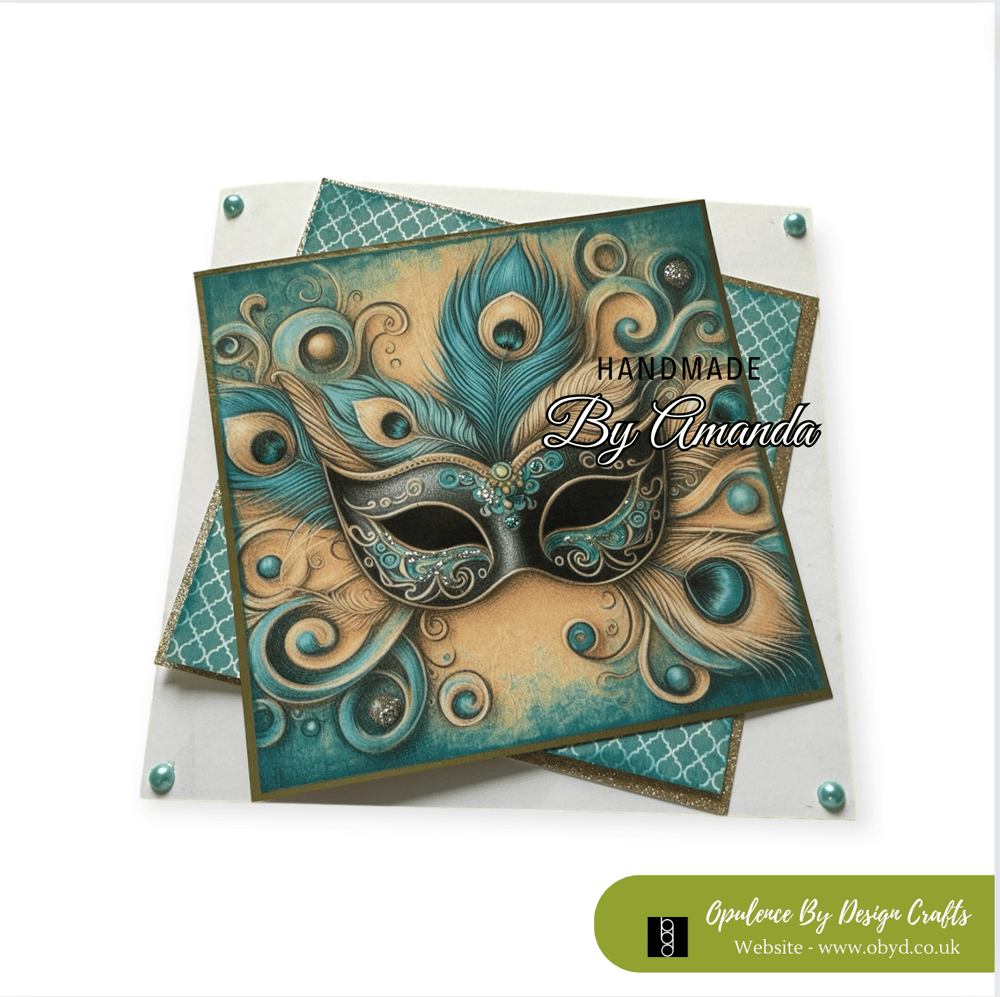
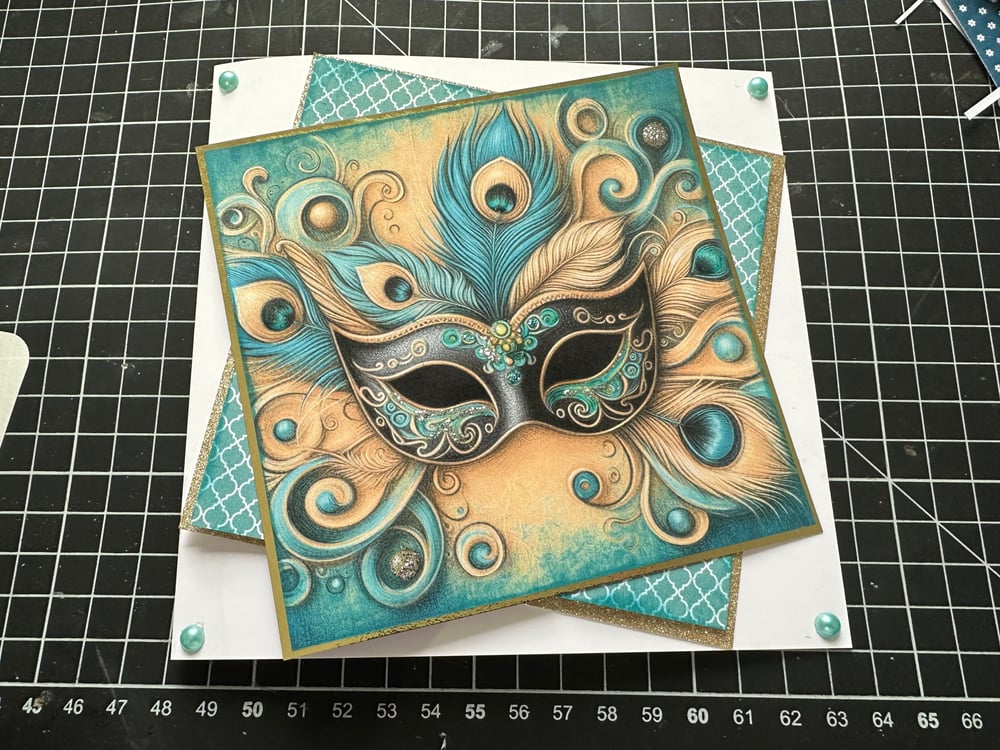
Supplies list for the card:
Pre-scored 6"x6" white cardblank - https://amzn.to/4fJwk5i
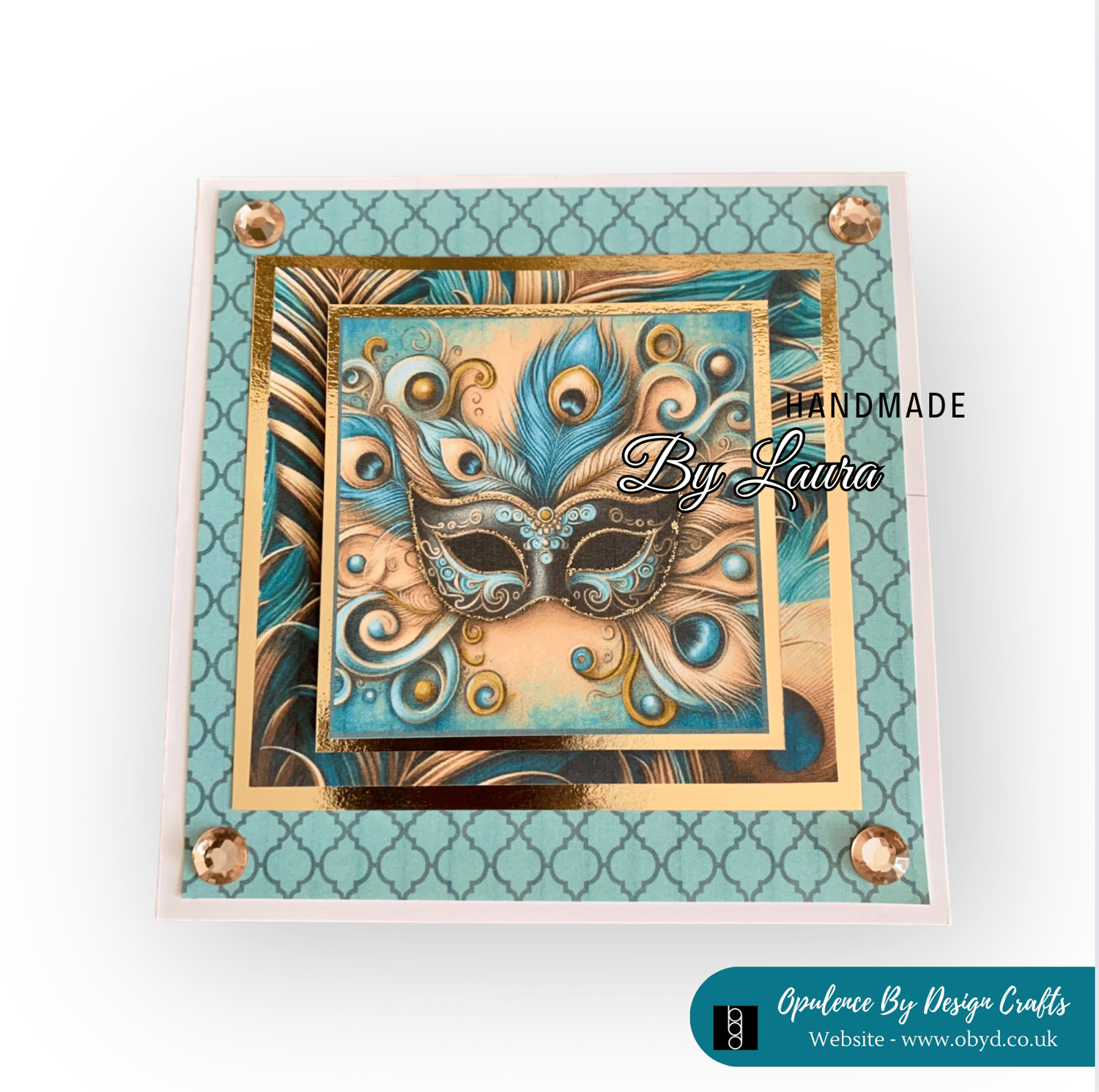
The main focal point is one of the papers from the kit (page 7) - https://shop.obyd.co.uk/b/mOtlc
I used my printer settings to reduce the size down to fit my project i also did this for the backing paper also from the kit (page 5)
I printed both sheets onto my favourite printing paper for toppers - https://amzn.to/3WYPUDf
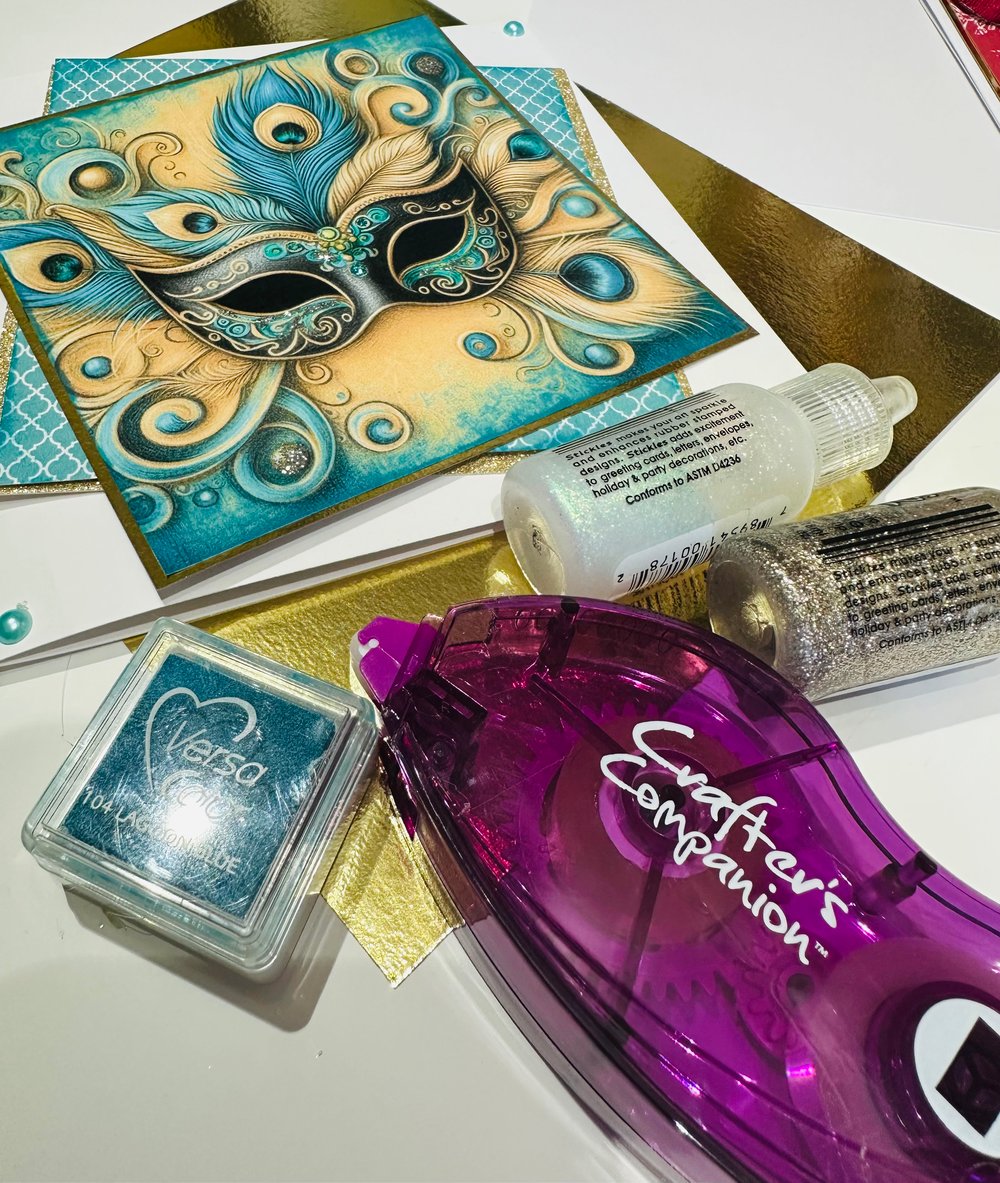
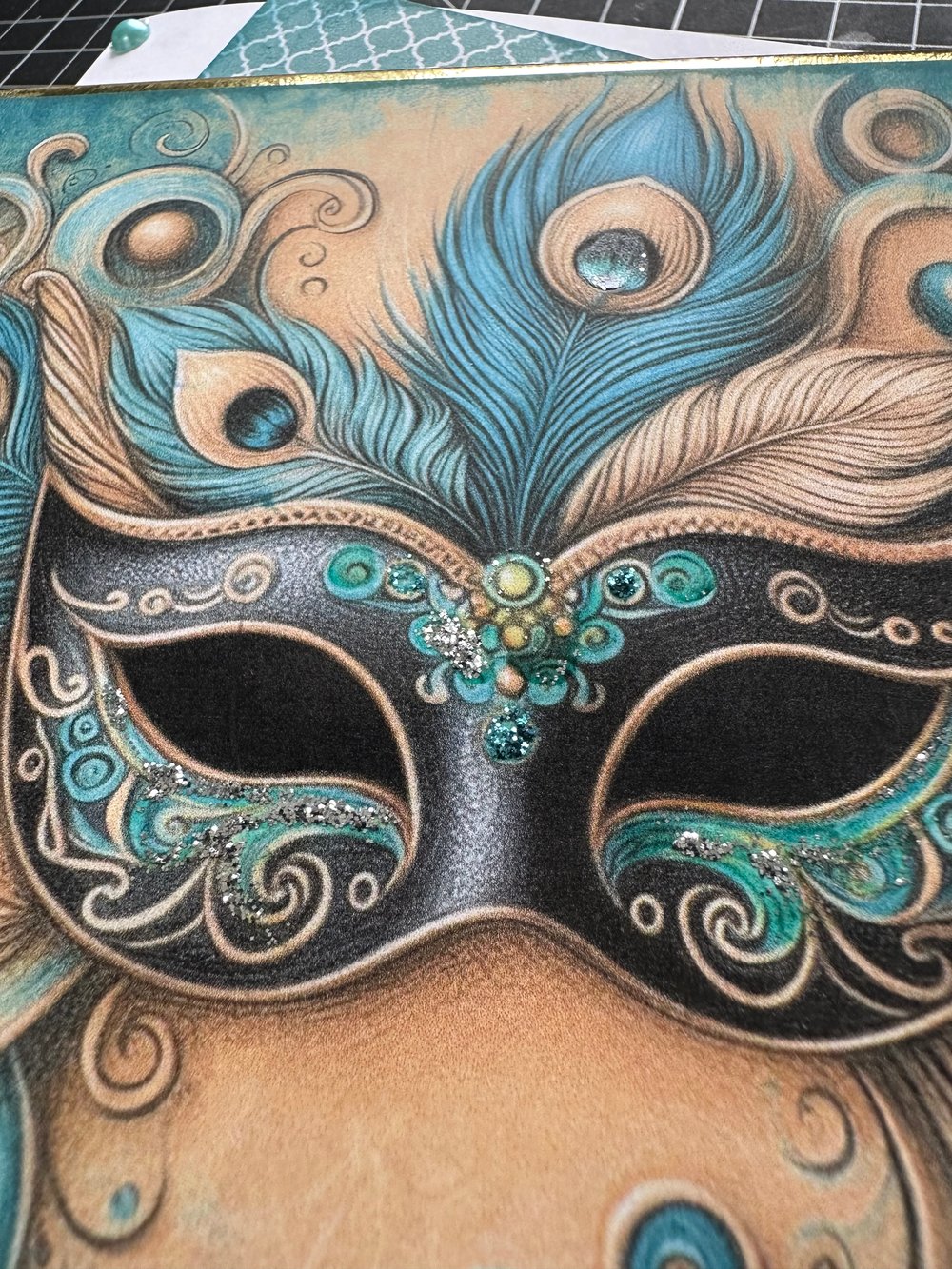
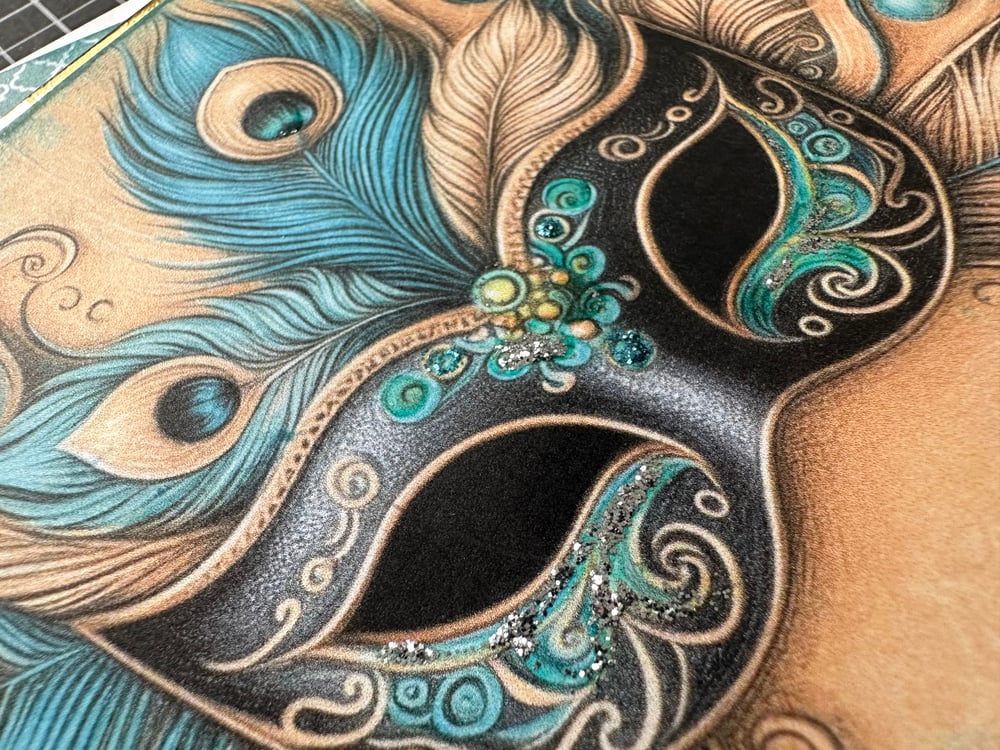
I used stickles to add some sparkle - https://amzn.to/46IKa3V and https://amzn.to/3WCUOEs
The pretty little turquoise gems can be found here: https://amzn.to/4cn6T6Q - they also do a mixed set if you would like to take a look you can find it here: https://amzn.to/4fGwc6G
Mirror card - https://amzn.to/3SPJwM9 check out this bundle - you get a lovely selection of colours and there are 60 sheets in the pack which i think is great value. These are perfect for matting and layering
I distressed the edges of the papers with one of my cute little ink pads - https://amzn.to/4csdSeL this is the perfect colour for the papers
I used my favourite tape pens for all of the matting and layering - https://amzn.to/4dmlTTM
and wet glue to stick down the gems - https://amzn.to/4dnMyzr
Printer Help
To reduce the percentage of print size in your printer settings, you can follow these general steps:
- Open the Document: Open the document you want to print.
- Access Print Settings: Go to File > Print or press Ctrl + P (Windows) or Cmd + P (Mac).
- Select Printer: Choose your printer from the list.
- Adjust Scale:Look for an option like Scale, Custom Scale, or Page Scaling.
- Enter the desired percentage to reduce the print size. For example, if you want to print at 80% of the original size, enter 80%.
Here are some specific instructions for different printer brands:
- HP Printers: In the print dialog, click on Properties or Printer Properties, then go to the Advanced tab. In the Scale/Resize area, select the Print document on option and choose the desired size
- Epson Printers: Select the paper size loaded in the printer from Output Paper or Roll Width. Click on Reduce/Enlarge, then Custom, and adjust the scale percentage2.
- Microsoft Word: In the print settings, look for the Custom Scale option under Page size and handling, and enter the percentage you want
How to print and resize when using an ipad
To reduce the percentage of print size when using an iPad, you can follow these steps:
- Open the Document: Open the document or photo you want to print.
- Access Print Options: Tap the Share button (usually a square with an arrow pointing up) and select Print.
- Select Printer: Choose your AirPrint-enabled printer.
- Adjust Print Size:Unfortunately, the default iOS print settings do not include a direct option to scale the print size. However, you can usually download an app for your printer. I have all of the apps on my ipad for my printers that way i can change the size and select the right medium (card, photo paper, matte paper etc...)
If one isn't available you can use third-party apps like Print to Size to achieve this.
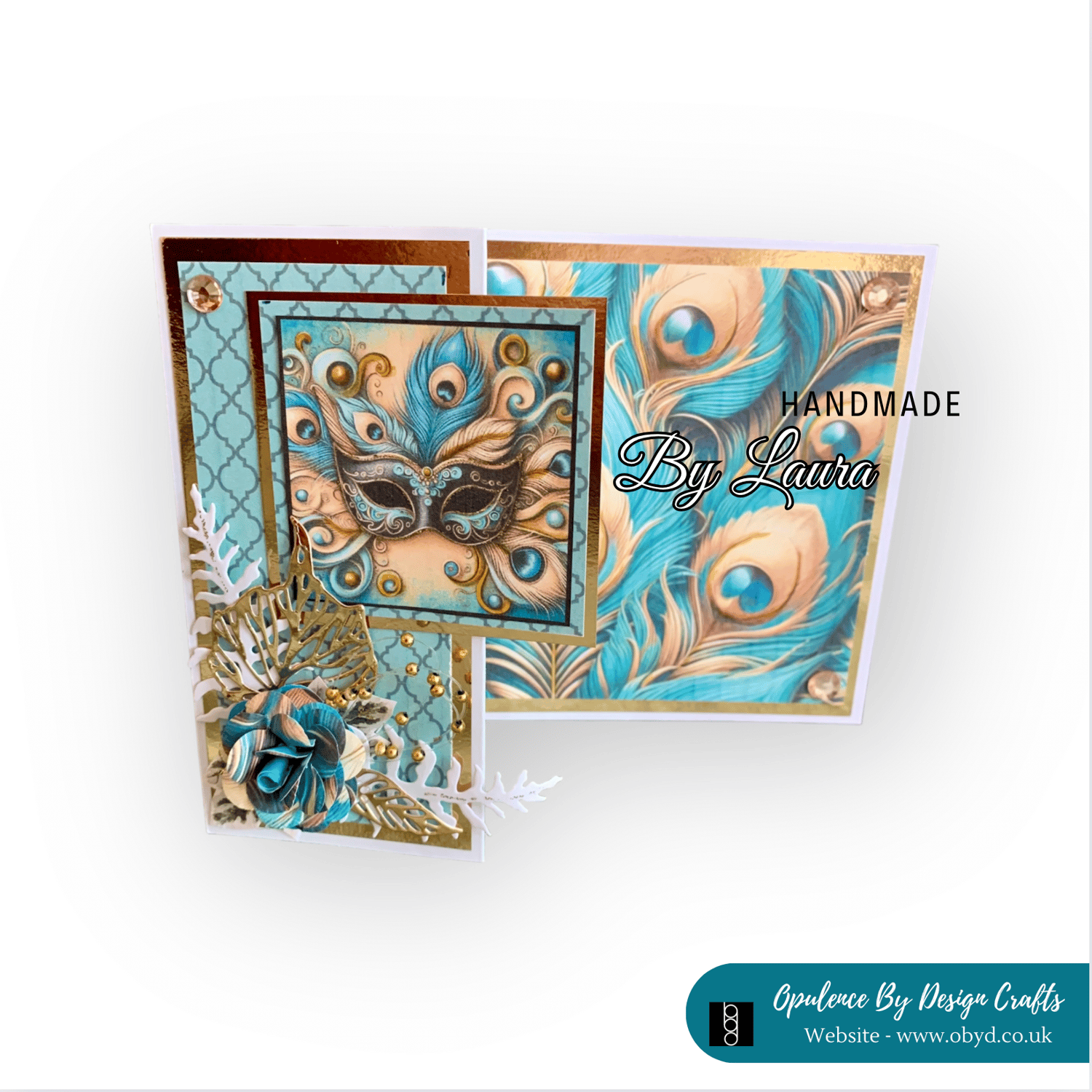
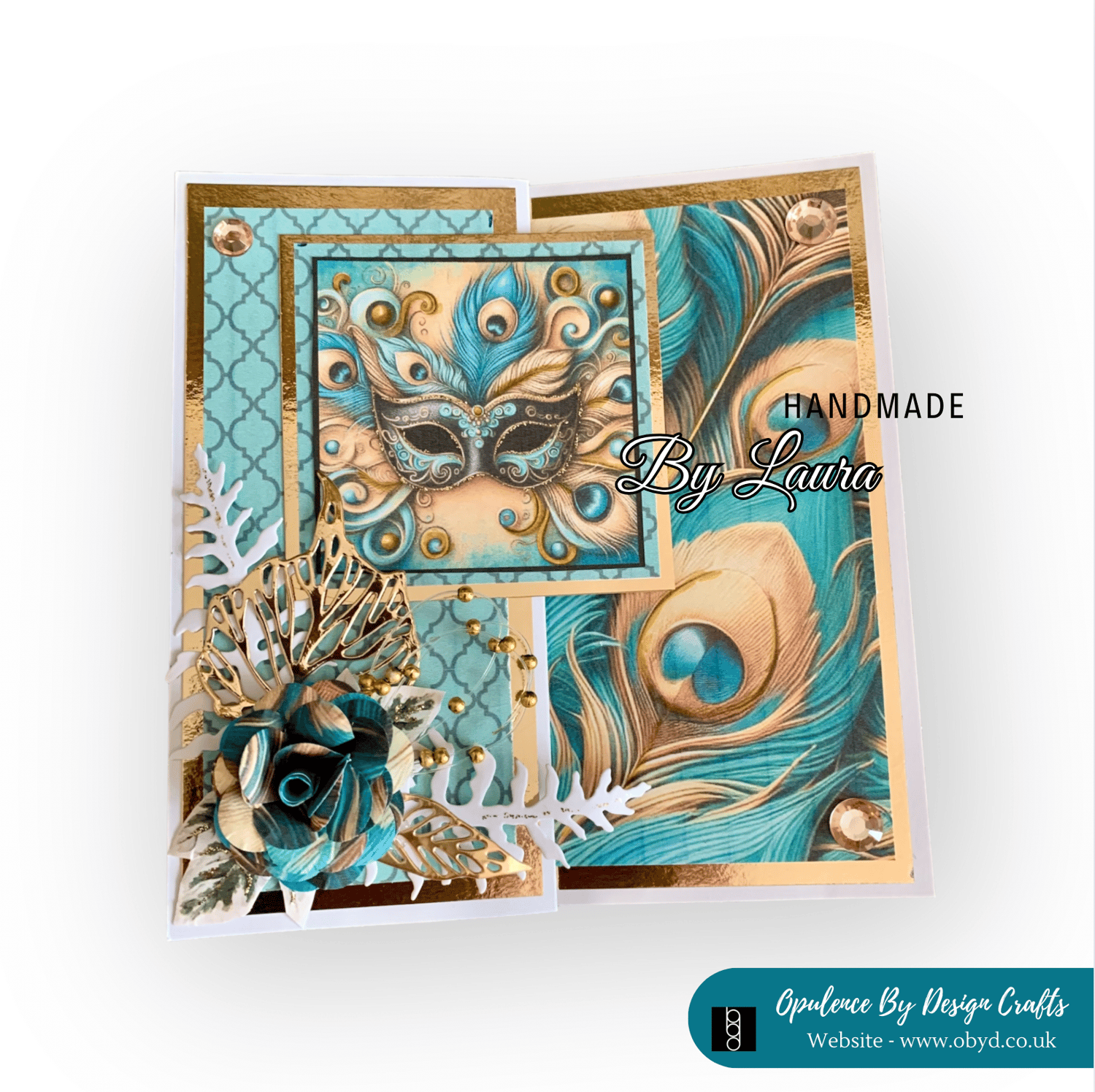
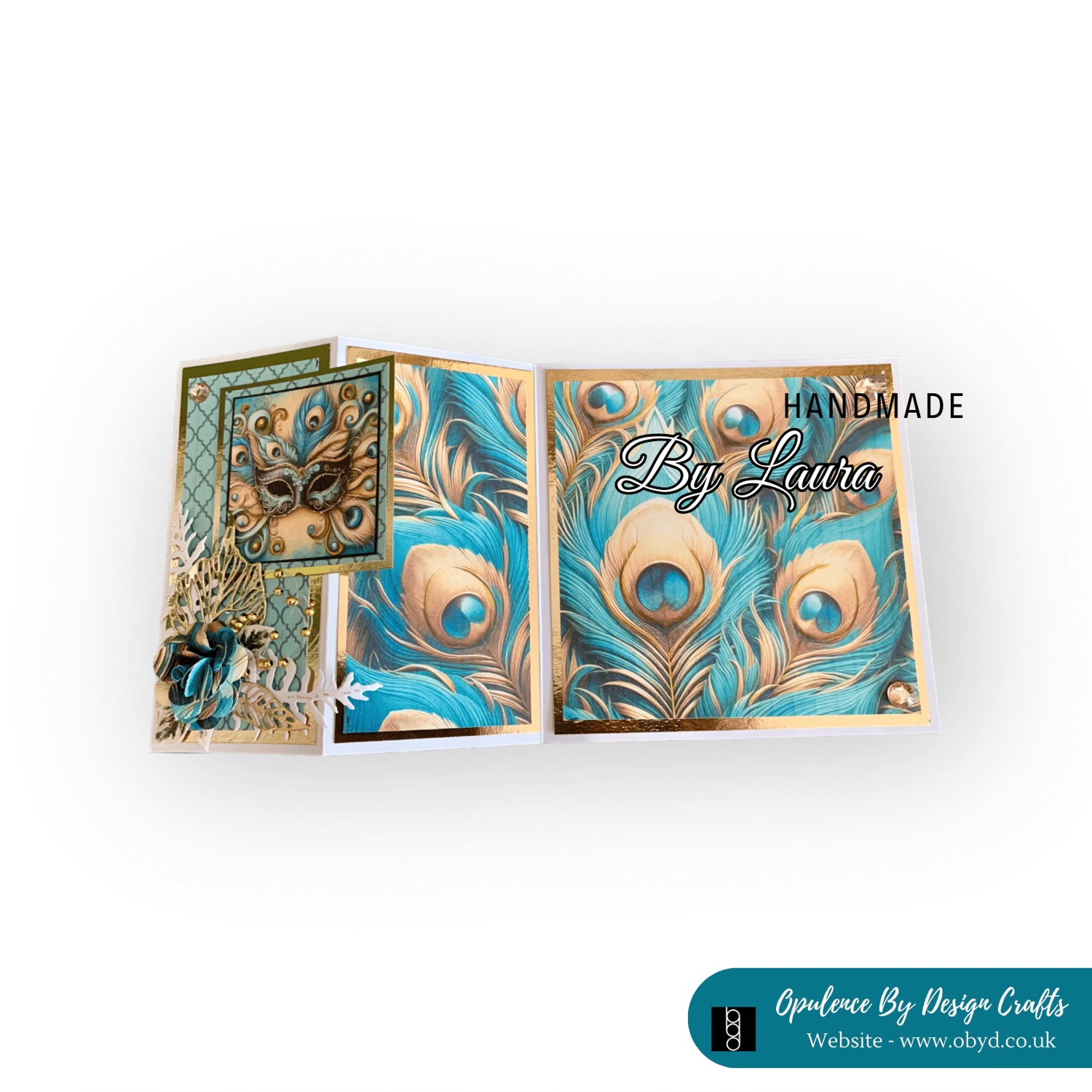
I hope you have liked this little blog post i will leave you with some more samples made for the launch of today's new kit
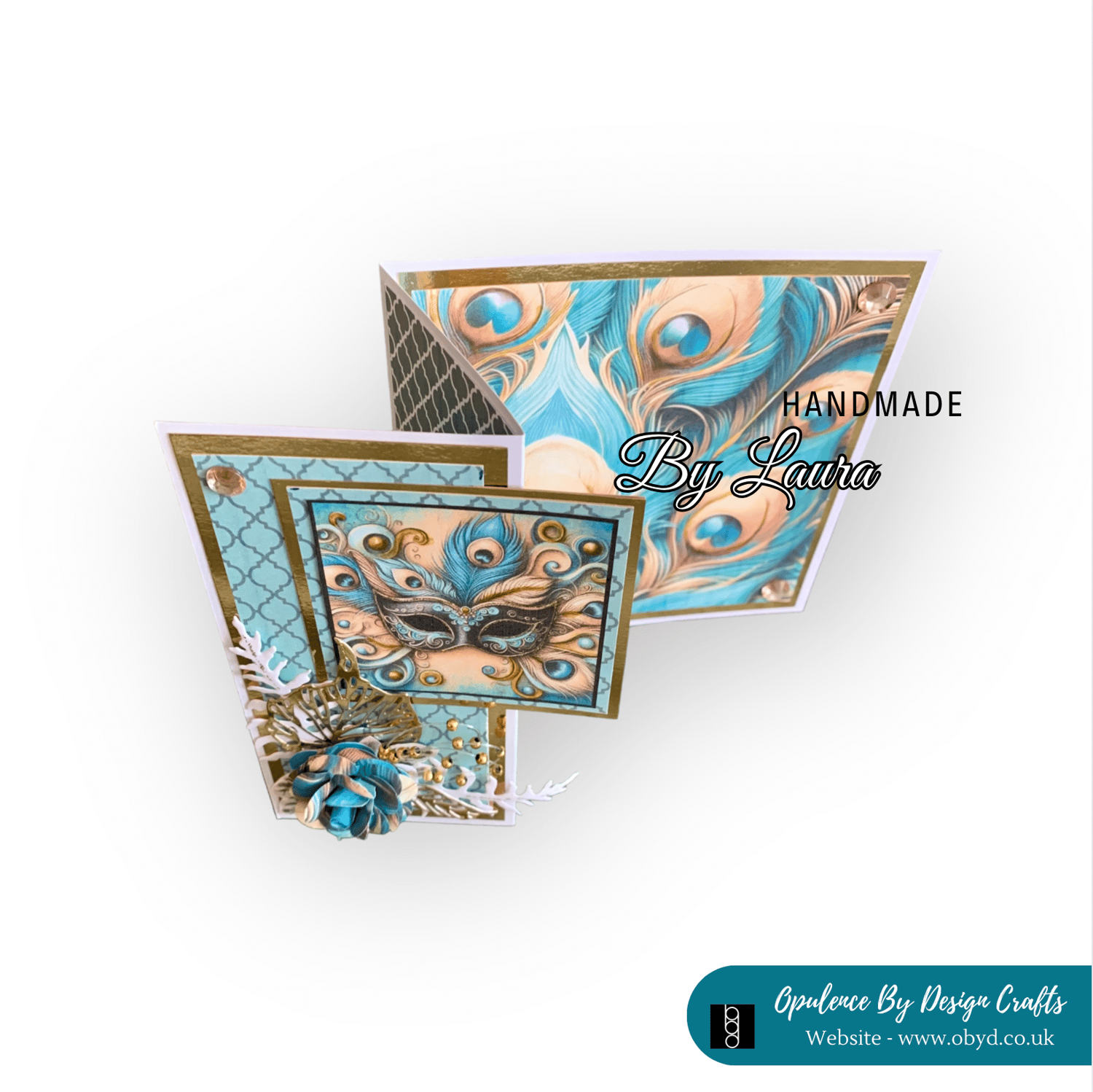
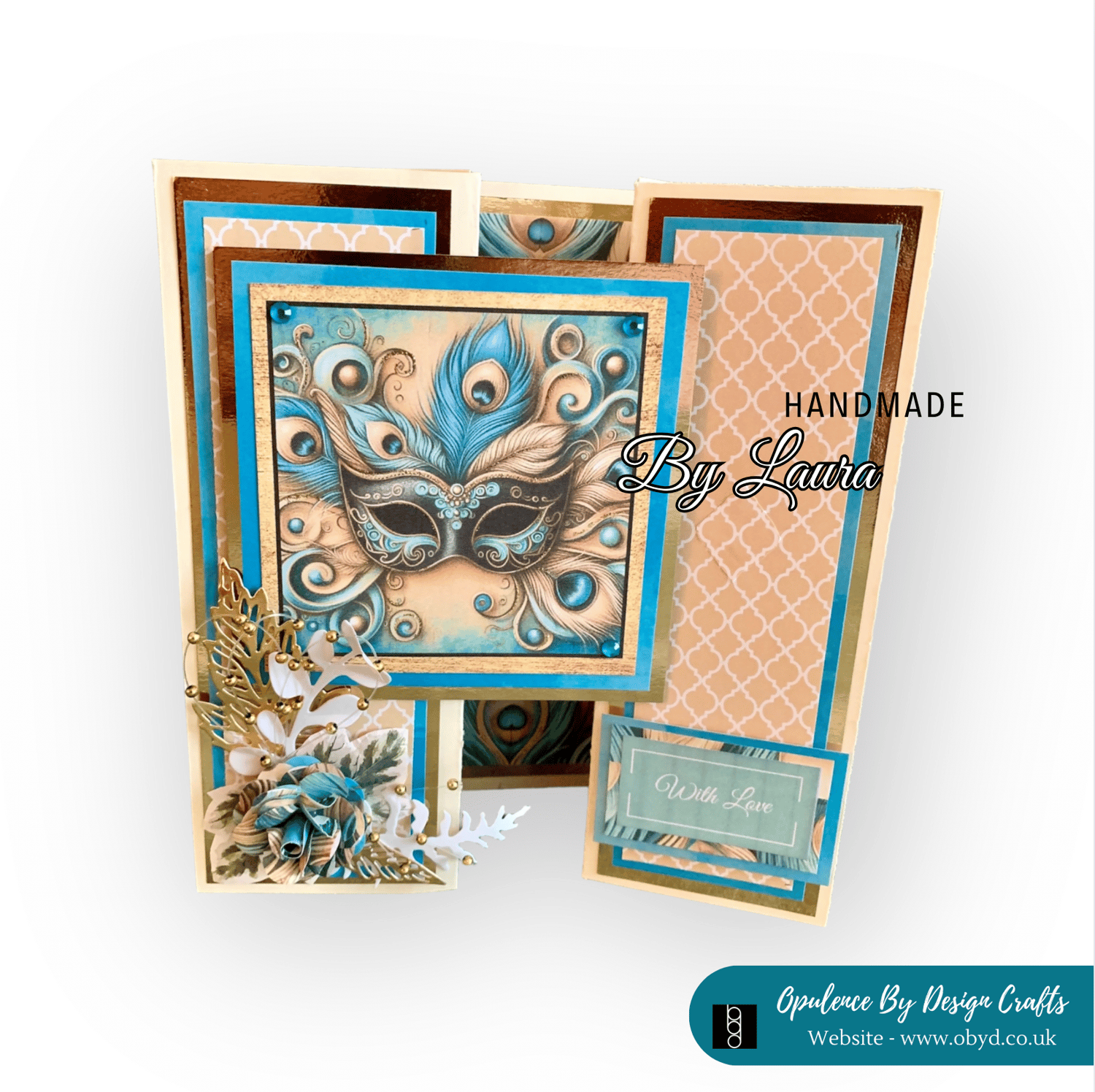
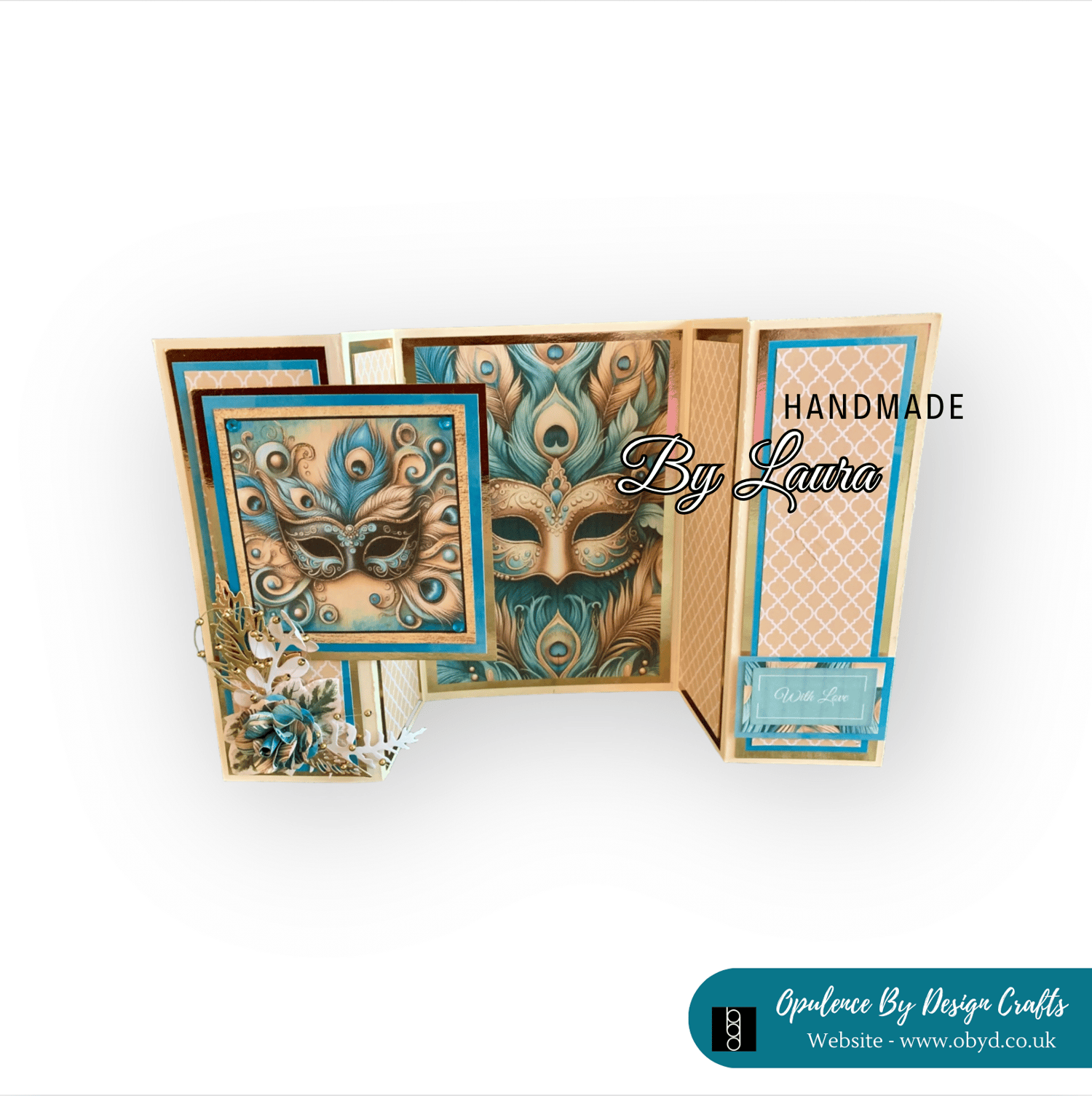
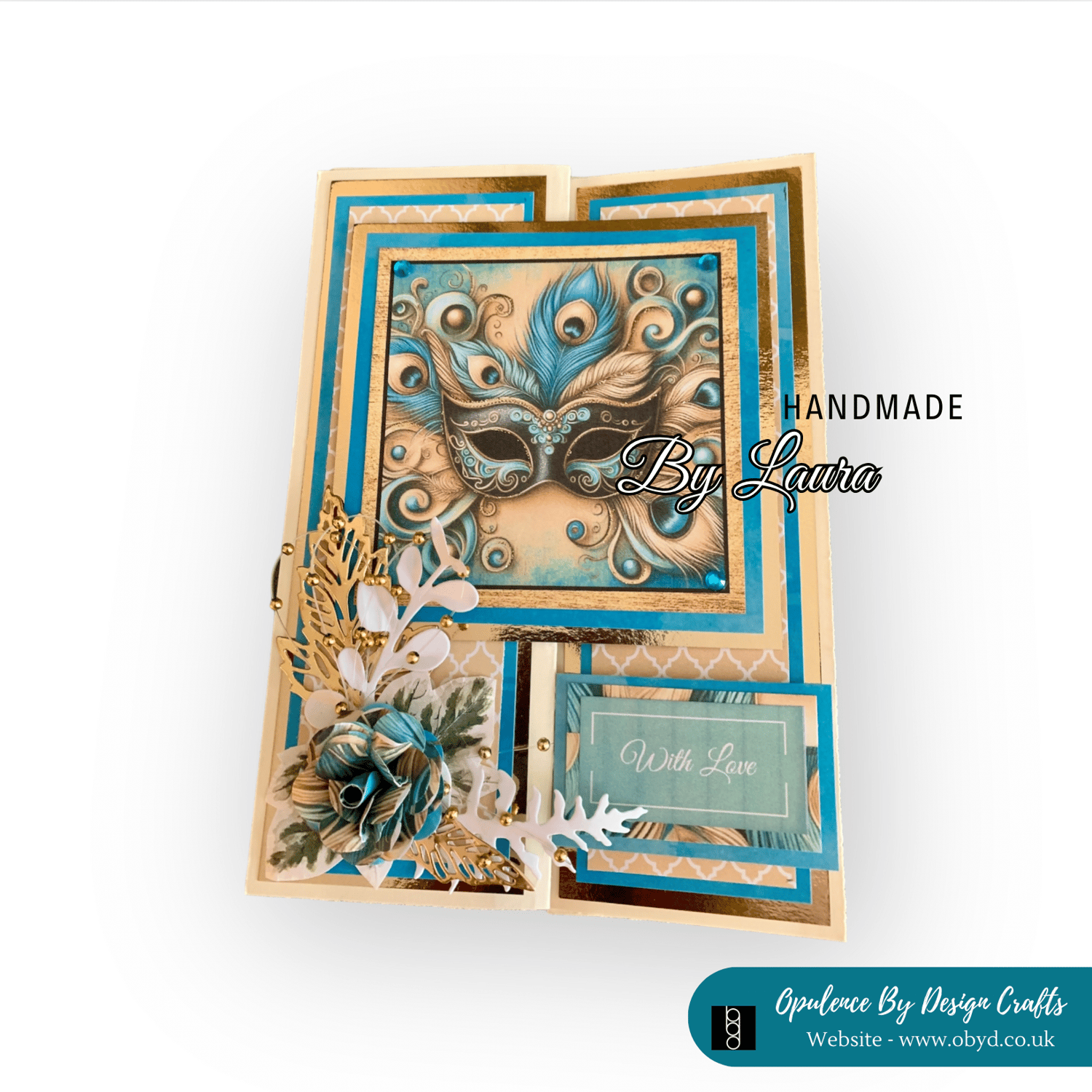
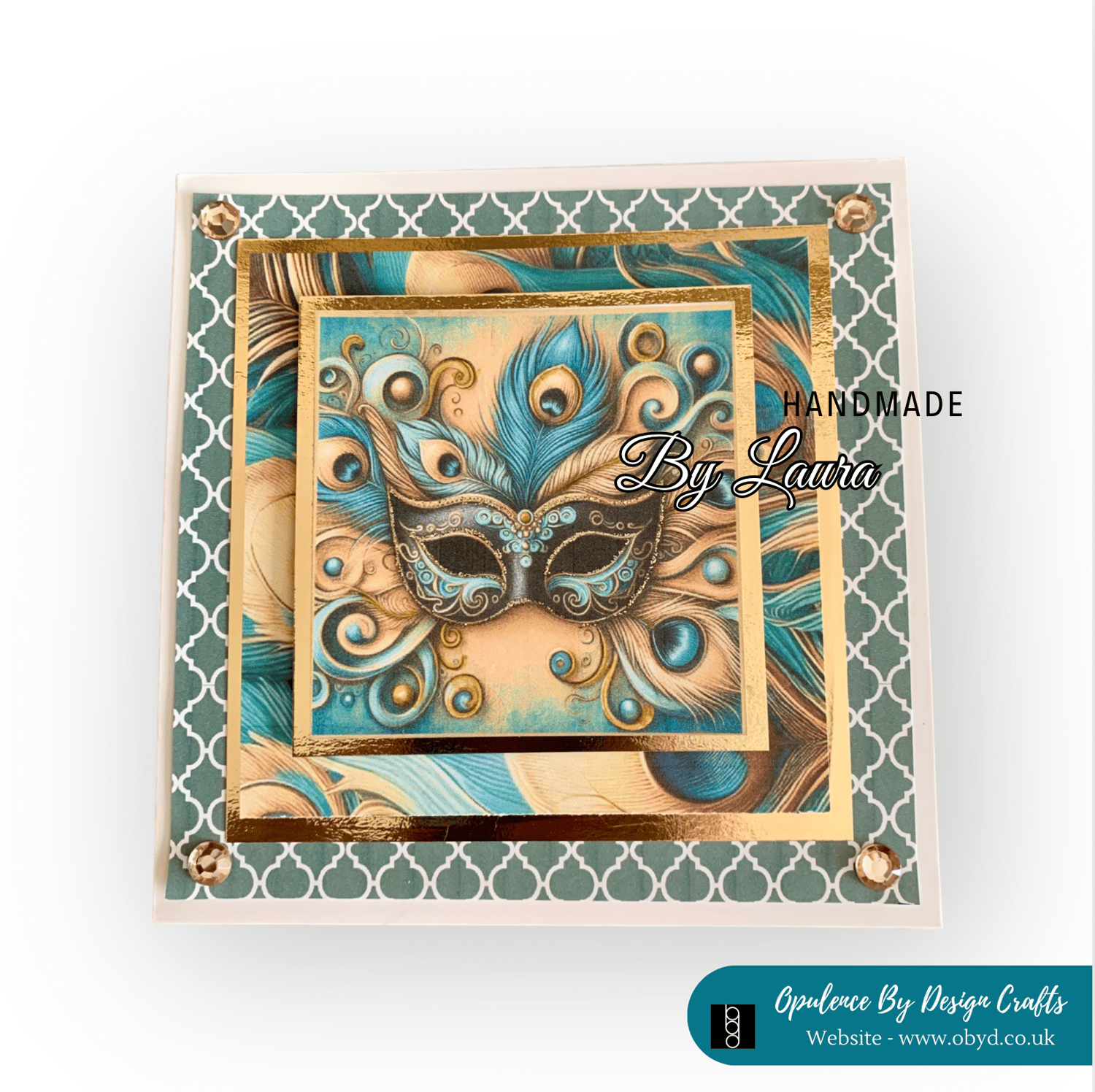
I hope you have liked looking at today's little blog post i really enjoyed writing it and typing up the supplies list for you. *** Please note that the links for the products are from Amazon UK - all items were in stock at the point of writing this blog. If you are reading this in the future and the link doesn't work it is probably because the item has sold out.
Always feel as though you can reach out to me if you can't find something i am more than happy to help you try and find it or at least something very similar. You can always message me through facebook - https://www.facebook.com/OpulenceByDesign/
For more crafty inspiration check out our:
Facebook group - https://www.facebook.com/groups/672573406875861
Blog - https://shop.obyd.co.uk/blog/opulence-by-design-crafty-corner-blog
Download Shop - https://shop.obyd.co.uk/
Website - www.obyd.co.uk
For all of our social media accounts you can find the links here: https://linktr.ee/opulencebydesign
If you have Pinterest i would greatly appreciate a follow as i have spent weeks adding lots of card samples to my various boards - Cardmaking ideas, Christmas crafts, My Crafty Blog board and others so it would be awesome if you could pop over and show it some love - Pinterest Boards
Thank you for looking, happy crafting as always! A xo
Comments
Post a Comment